Your own golf sim. In the room you already have.
Most people find out their ceiling is too low after they've bought the gear. Measure first with this planner, then buy once and buy right.
Brand-neutral · every number from the makers' own manuals · instant PDF
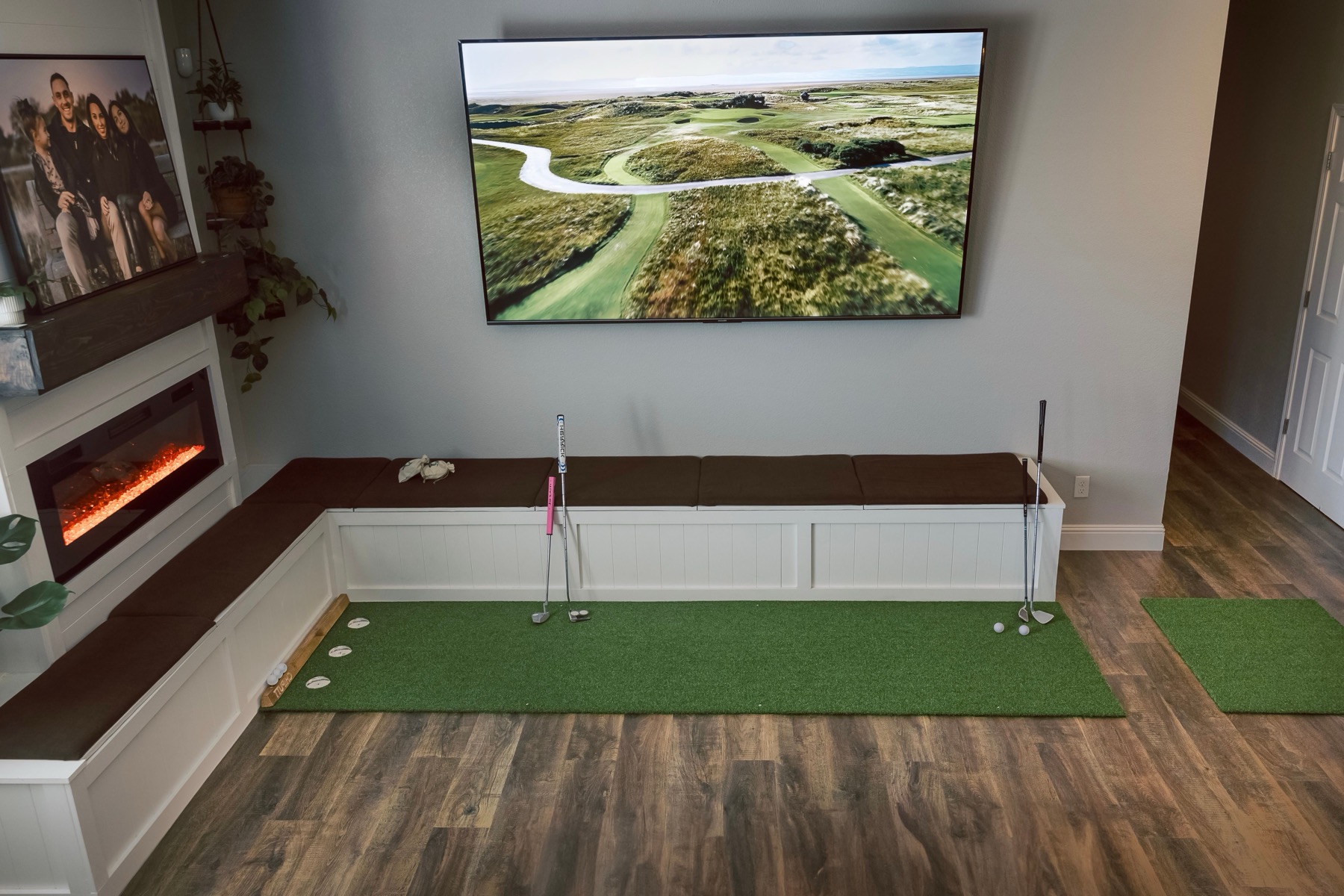
The planner in about 90 seconds.
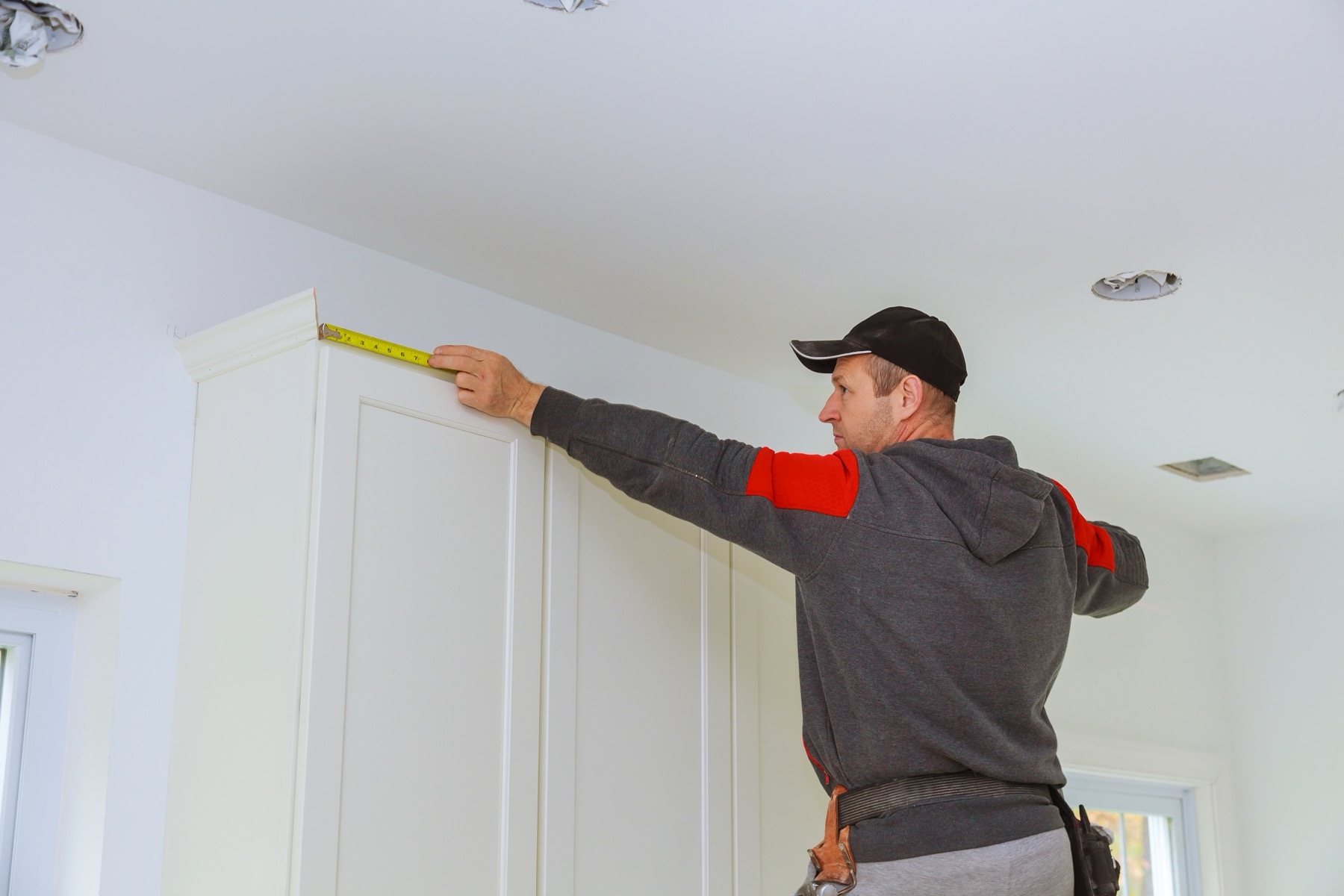
Measure first. Buy second.
Most simulator regrets come from buying the gear and measuring the room afterwards. These are the four the planner catches before they cost you.
- The ceiling is lower than you think. Measure to the duct, beam or light that hangs into your swing, not to the ceiling itself.
- The launch monitor needs room you don't have. Some radar units sit 6–9 ft behind the ball.
- The projector lands in the wrong spot. Work out the throw from the image you'll actually show, or it ends up feet too close.
- Width on the wrong side. You stand beside the ball, so your side of the room needs the space.
Basement, garage or spare room?
We planned all three, start to finish, in Chapter 9. Including the one that doesn't work, and why.
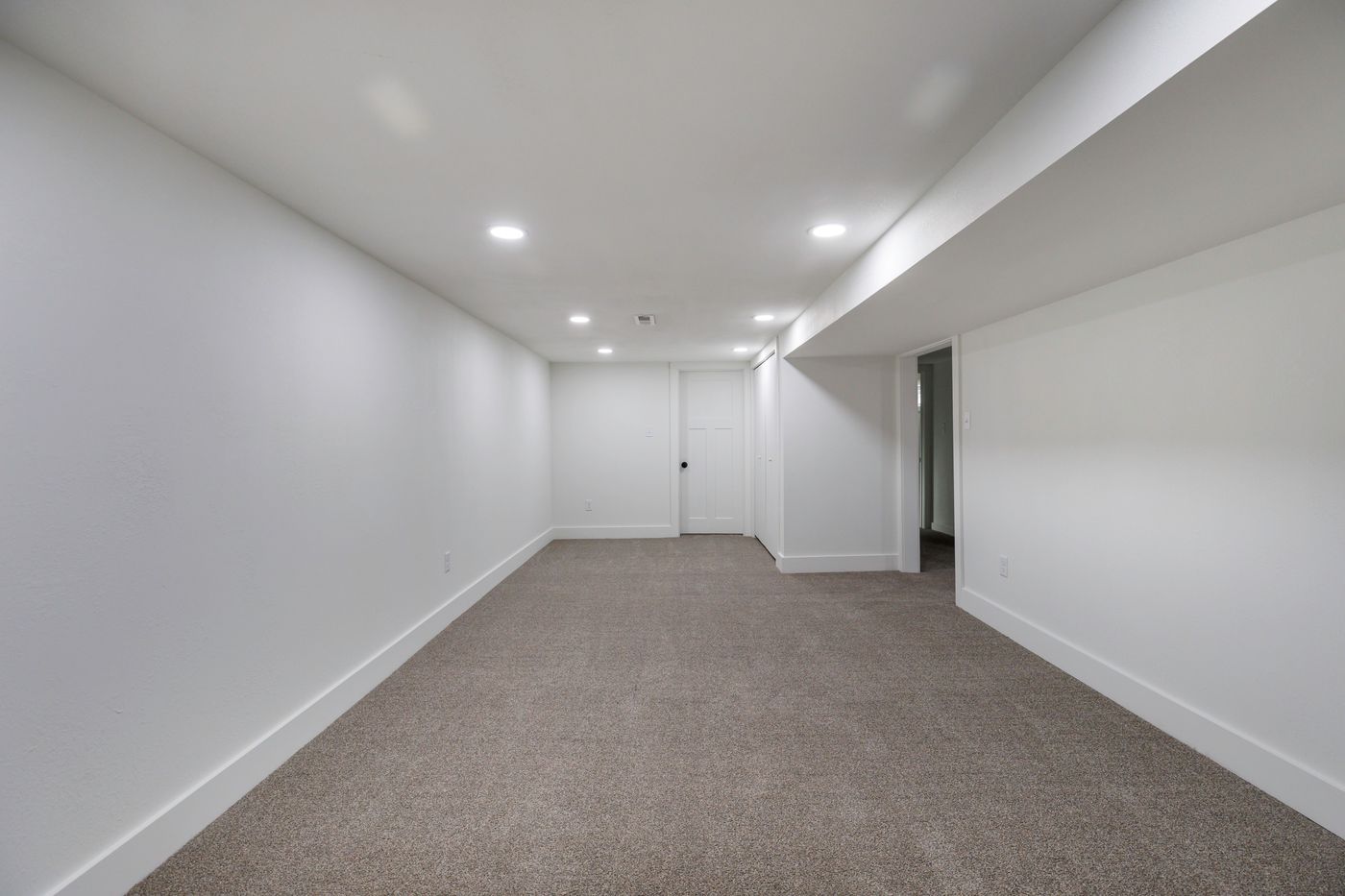
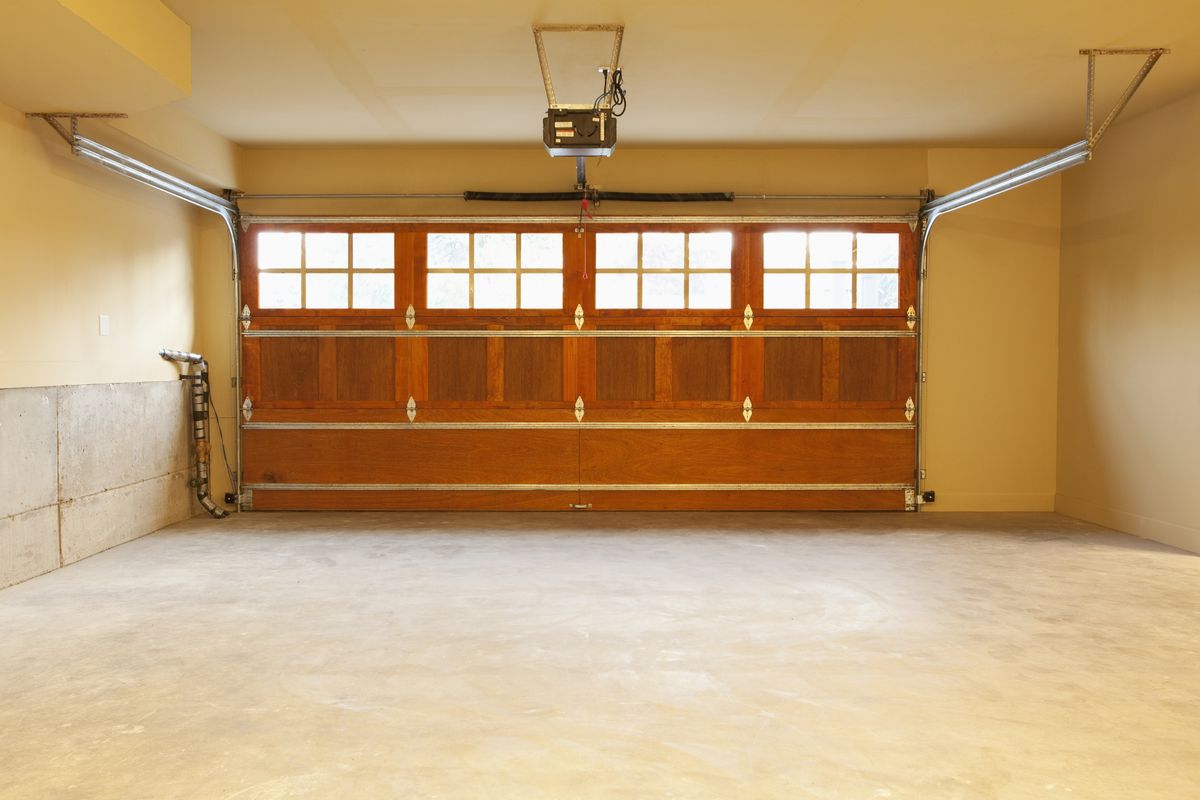
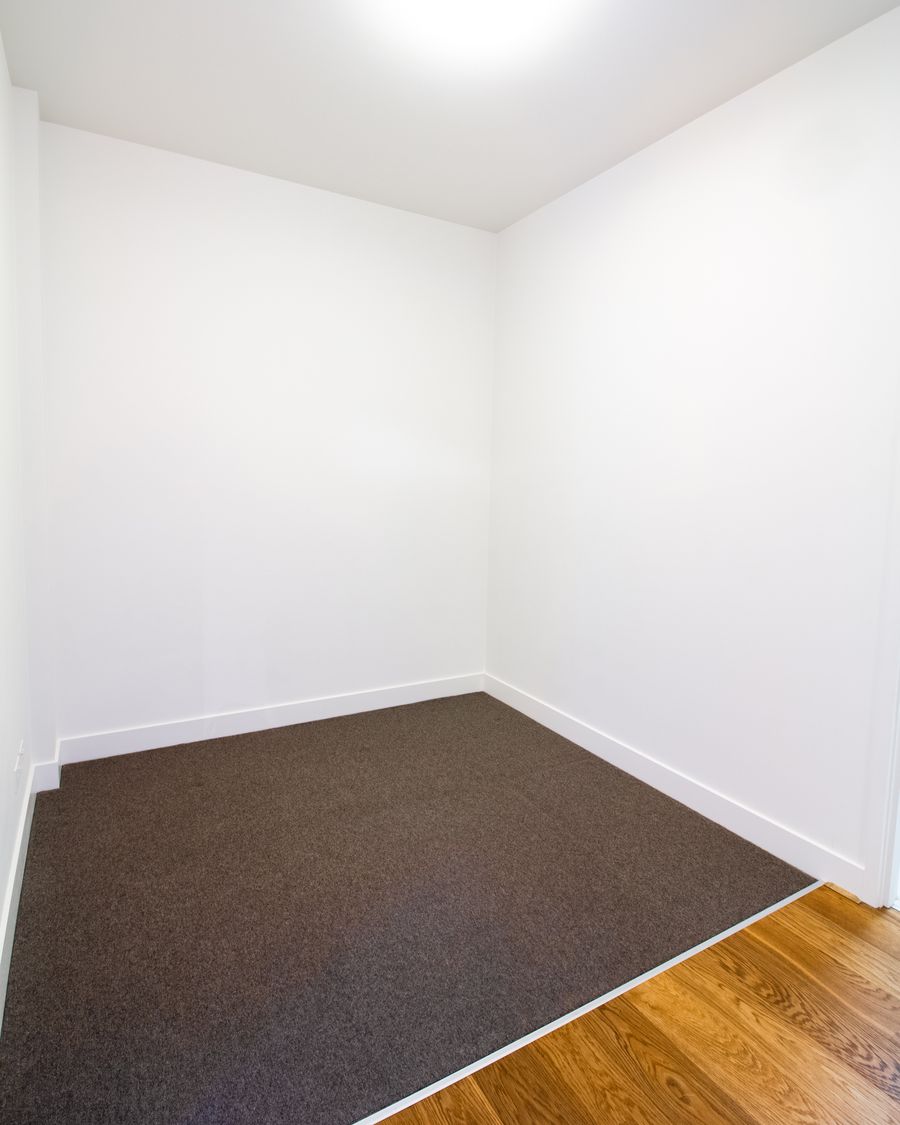
It doesn't take a mansion.
A sim can live in a living room, a hallway or a spare corner of the garage. What matters is knowing your numbers before you buy.

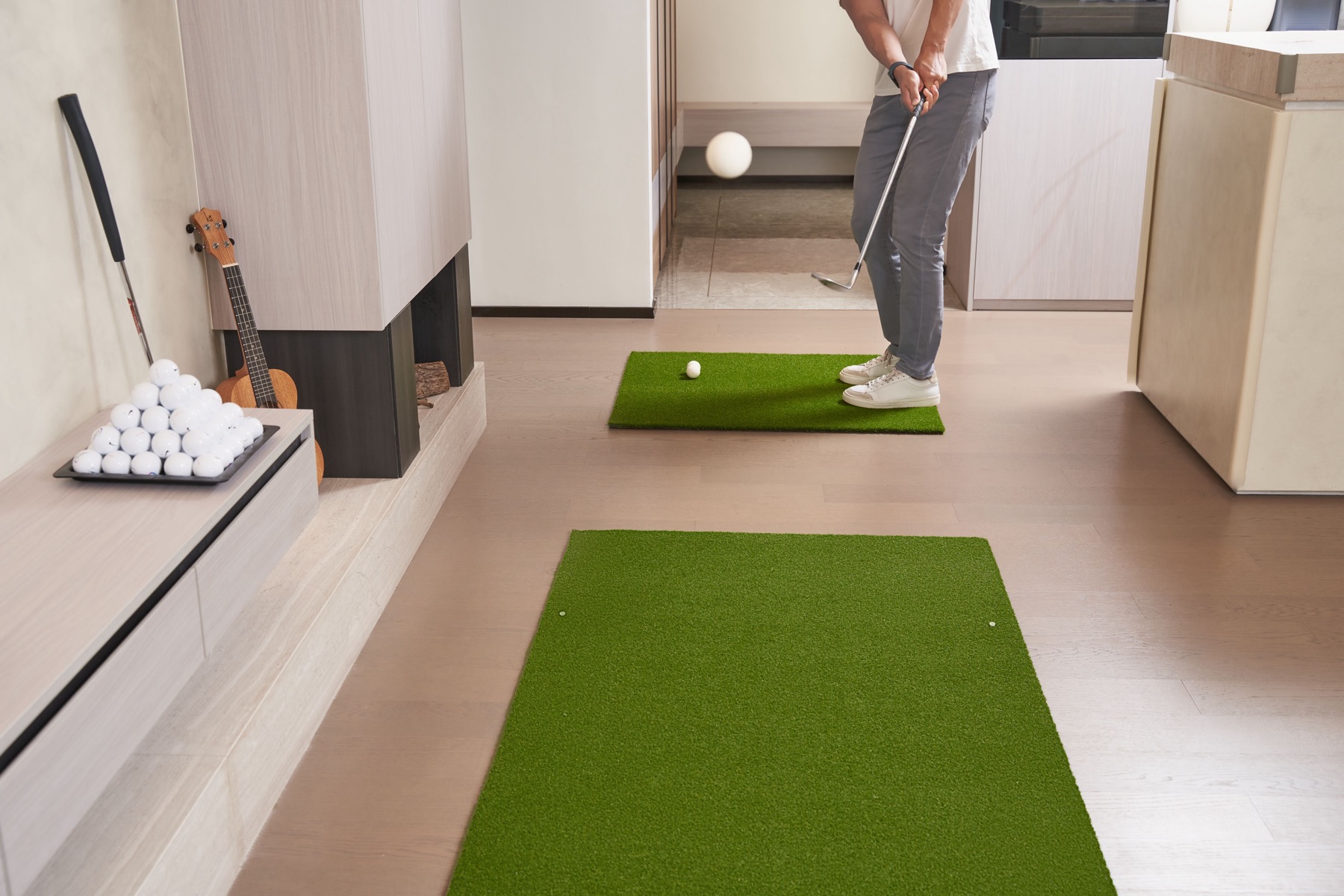
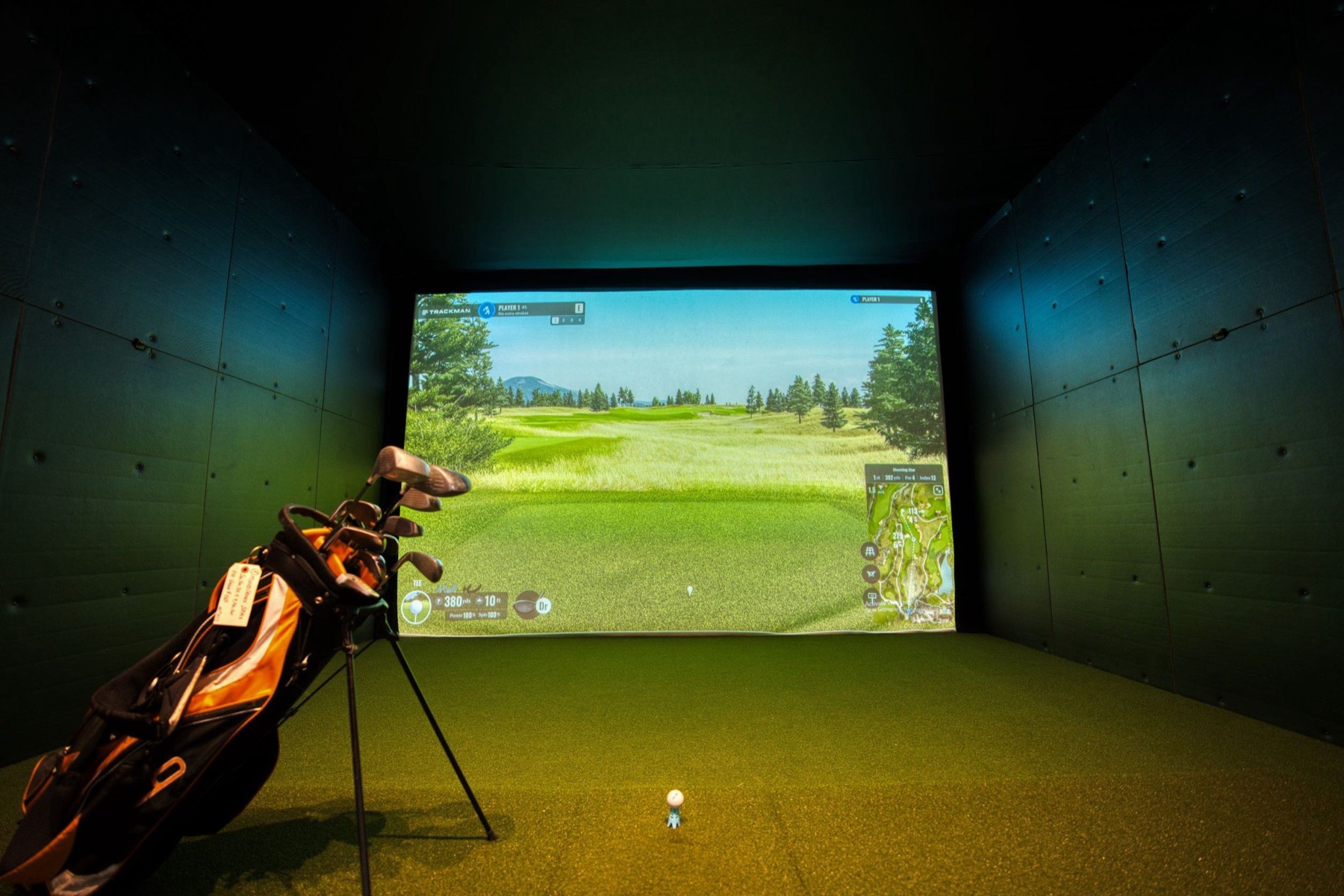
Behind, beside or overhead.
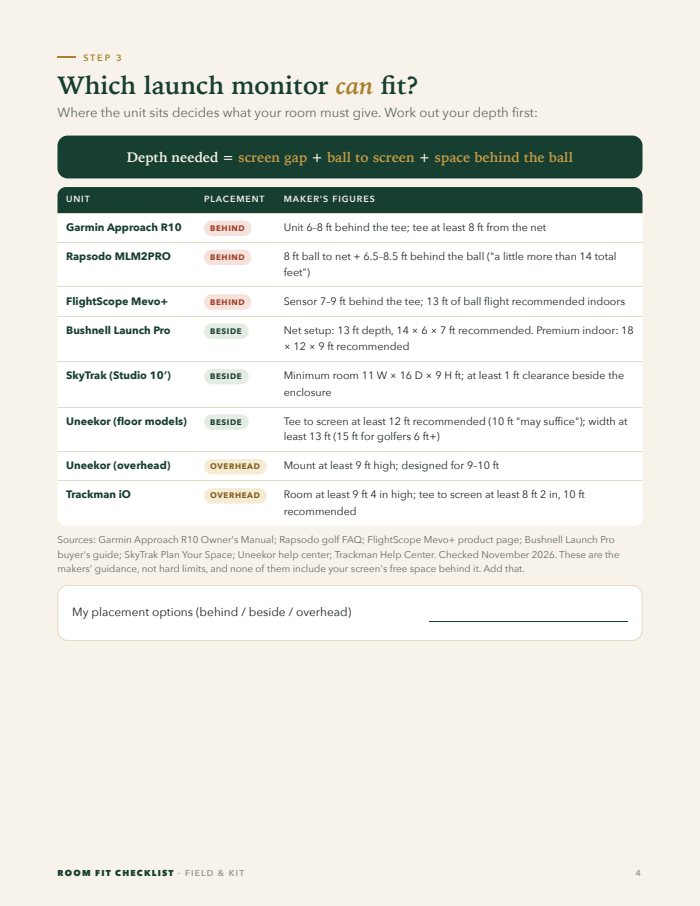
Where a launch monitor sits decides what your room has to give. The planner turns each maker's published setup figures into a fit check for your room.
Behind the ball
The unit sits on the floor, several feet back on the target line.
Beside the ball
The unit sits next to the ball, on the side opposite the golfer.
Overhead
The unit is mounted on the ceiling, above the hitting area.
Figures from each manufacturer's own manual, help center or product page, checked November 2026. Makers update their guidance, so the planner shows you how to check the current version.
Try it on your room.
A quick version of the checks in Chapters 3, 5 and 6. Enter your numbers in feet and inches. The planner covers width, screens and projectors too.
Launch monitors, by the maker's own figures
Each row compares your room with one figure the maker publishes (checked November 2026). "Tight" means it meets a minimum but not the maker's recommended distance. It doesn't account for the unit's own size or for walking room. Confirm with the current manual before you buy.
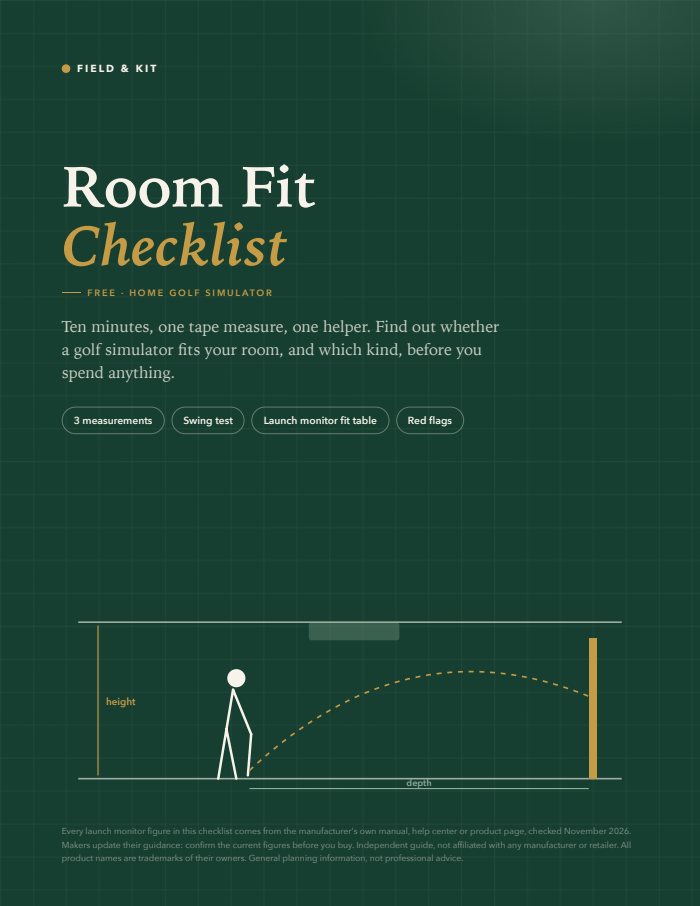
Get the Room Fit Checklist.
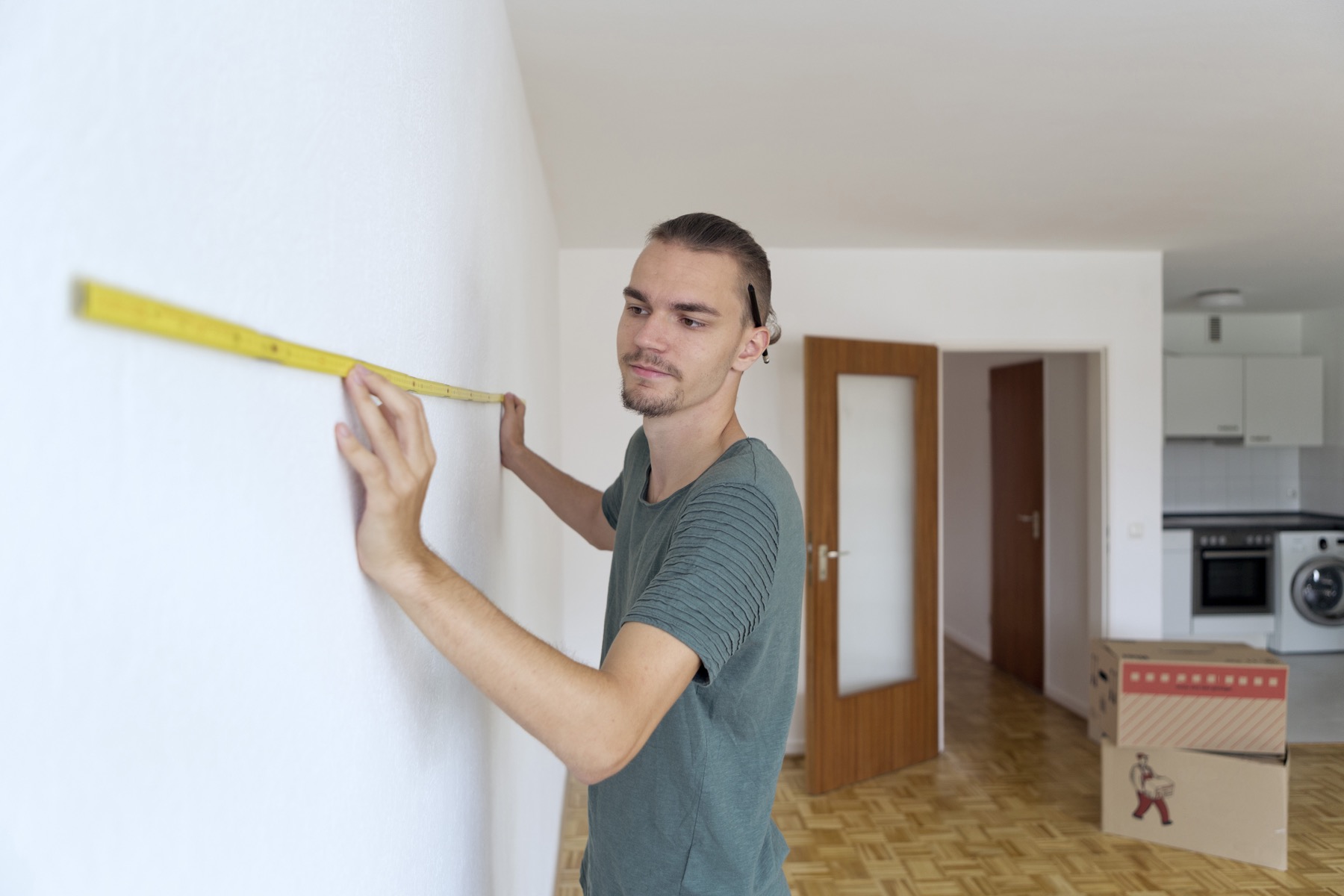
Ten minutes, one tape measure, one helper. Measure the room properly, test your swing, and see which launch monitors your room can take, using each maker's own figures.
- The three measurements, and the one people get wrong
- The swing test, with the 6-inch safety margin
- A fit table for 8 launch monitors, with sources
From tape measure to parts list.
Eleven chapters in the order you should actually plan: room, swing, launch monitor, screen, projector, budget, safety.
Your room
- 1The three numbers that decide everything
- 2Measuring your room properly
- 3Your swing's ceiling
- 4Width and where you stand
The launch monitor
- 5Behind, beside or overhead
- 6Matching the monitor to the room
Screen and projector
- 7Sizing the screen and enclosure
- 8Placing the projector
Plan, budget, safety
- 9Three rooms, planned end to end
- 10Budgeting without surprises
- 11Safety checklist
Made to use with a tape measure.
Every check is a short calculation you can do yourself, with a diagram and a worked example.
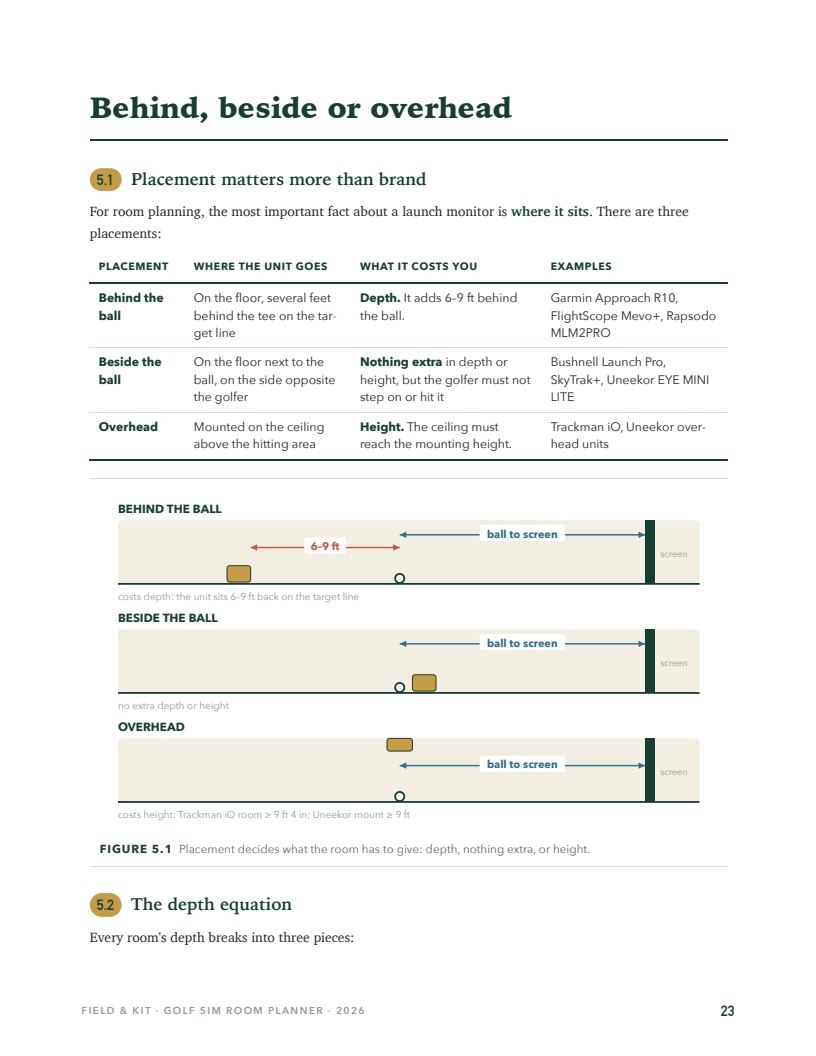
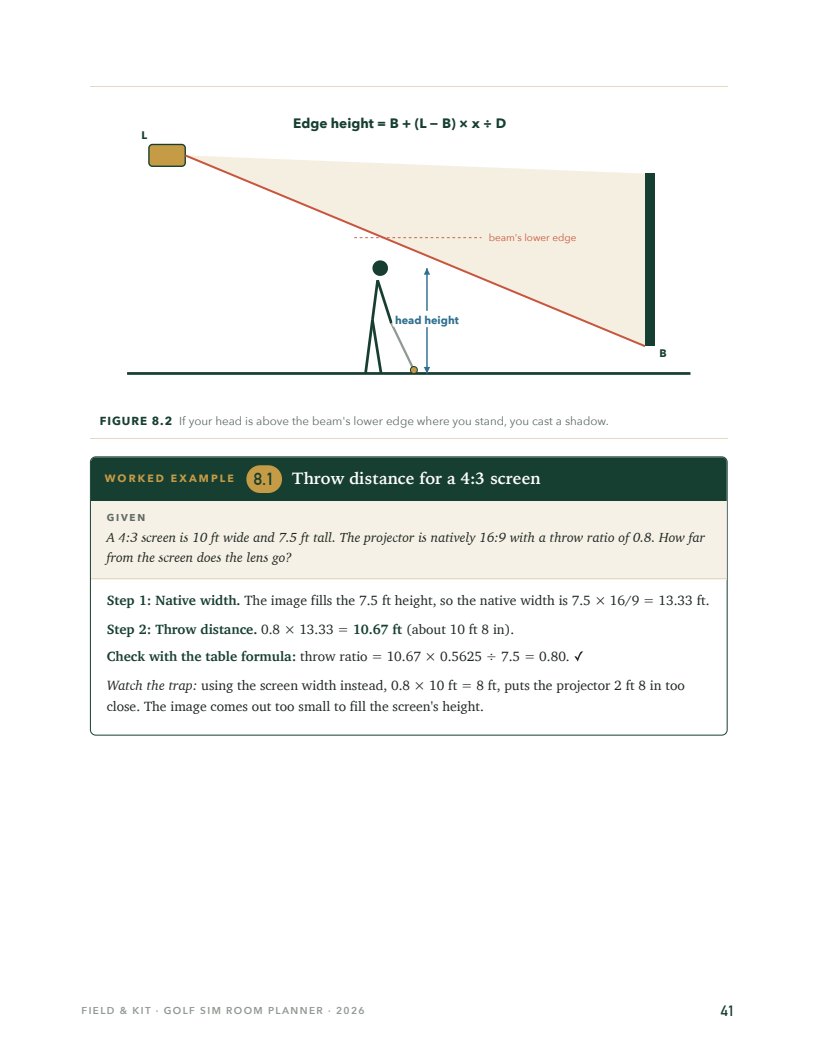
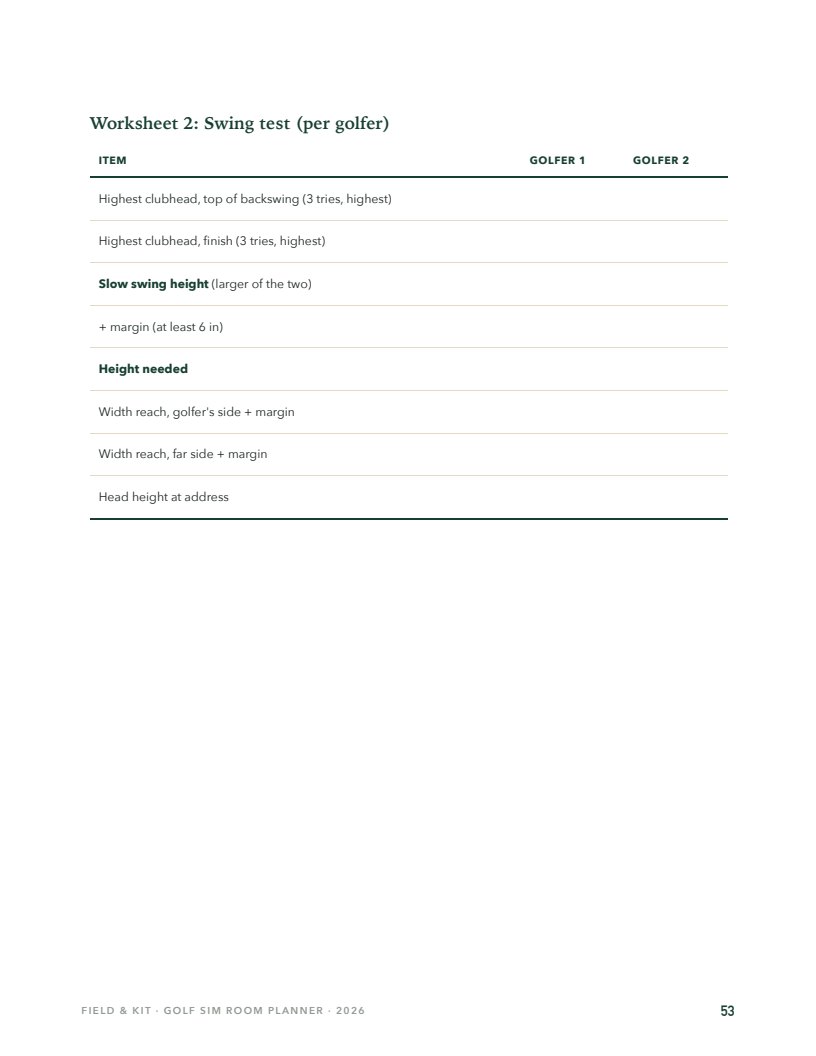
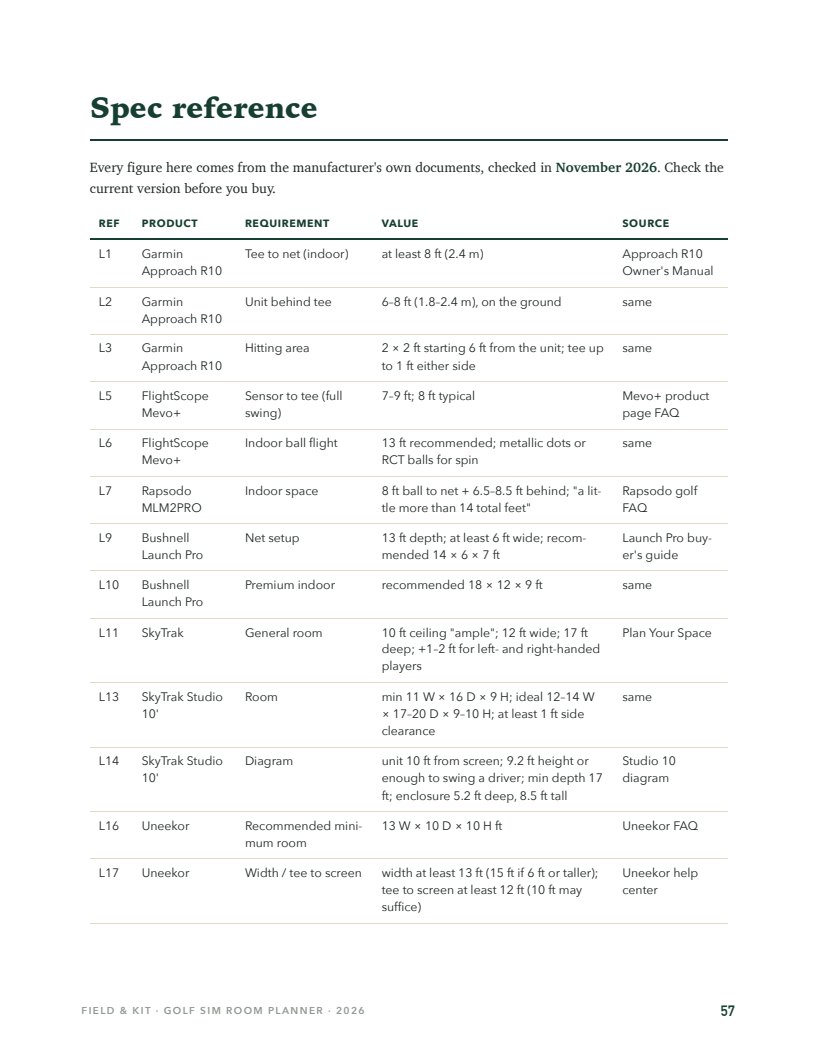
Page previews from the actual PDF. Independent guide: not affiliated with or endorsed by any manufacturer or retailer.
Cheaper than one wrong purchase.
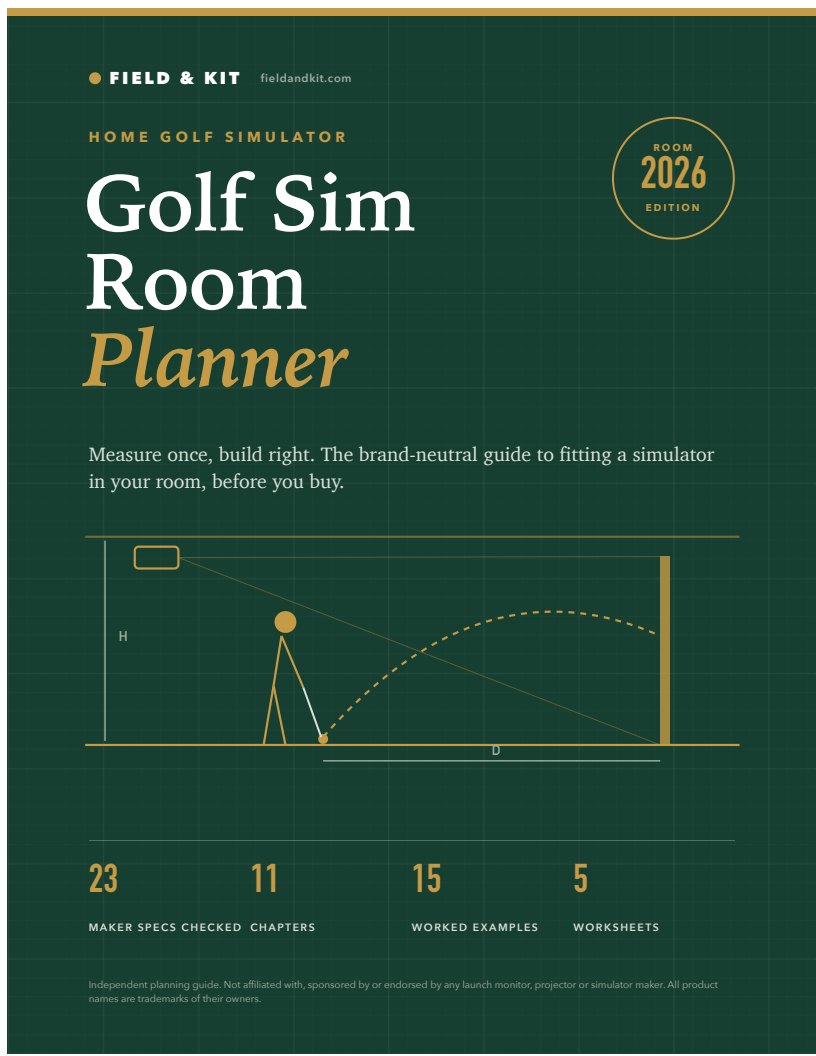
Golf Sim Room Planner
- 11 chapters, from measuring the room to the safety check
- Launch monitor fit check for behind, beside and overhead units
- Projector throw ratio and shadow math, with worked examples
- 5 printable worksheets and a sourced spec reference
- Free corrections for the 2026 edition
Is it right for you?
A great fit if you…
- are planning a simulator in a basement, garage or spare room
- haven't bought the launch monitor, screen or projector yet
- want to check the fit yourself, without a sales pitch
- have a low ceiling or a narrow or short room, and need to know your options
Not the right fit if you…
- want a review that names the "best" launch monitor (this guide is brand-neutral)
- need construction, structural or electrical advice (use a qualified contractor)
- already have a working simulator and just want course software
- are planning a commercial facility (the guide is written for homes)
Questions people ask
Where do the numbers come from?
Every room figure comes from the manufacturer's own manual, help center or product page: Garmin, FlightScope, Rapsodo, Bushnell, SkyTrak, Uneekor, Trackman and Foresight. Each one is listed in the spec reference with the date we checked it. The projector numbers come from geometry you can redo yourself. We don't use retailer or forum figures.
Does it tell me which launch monitor to buy?
It tells you which placement your room allows, and which published setup figures fit. The choice between models is yours: features, software and budget change too often for a book to pick for you.
Is there a formula for ceiling height?
No manufacturer publishes one, because it depends on your height, your swing and your driver. The planner gives a measured swing test with a safety margin instead, and labels it clearly as our method.
Is it affiliated with any brand or retailer?
No. The planner is independent, and the PDF contains no affiliate links. Some links on this website may become affiliate links, which means we may earn a commission at no cost to you. They're always labelled, and they never change which options we show. See our affiliate disclosure.
Does it work in meters?
The guide works in feet and inches, and gives meters wherever the manufacturer does. Every method works the same in meters.
What format is it, and how do I get it?
A PDF, delivered instantly after purchase. It prints on letter-size paper, and the worksheets are made to be printed.
What's the refund policy?
If the planner isn't what you expected, request a refund within 14 days of purchase.
What if a manufacturer changes its specs?
Corrections and spec updates are posted on the errata page, and updated files go to every buyer of the 2026 edition.
Check the fit before you buy.
One tape measure, one helper, one afternoon. Then buy with confidence.
Get the planner · $29 →